Golang
JavaScript
Python
Bash
Stay tuned for more!
AI Remover
3-second ai-powered image cutout! A model trained on millions of images accurately captures fine hair details, resulting in a clear subject and instantly erased background.




AI Eraser
AI-powered object remover that removes unwanted items from photos in seconds. Easily eliminate distractions and create professional, clean images with a single click.
PNG Compress
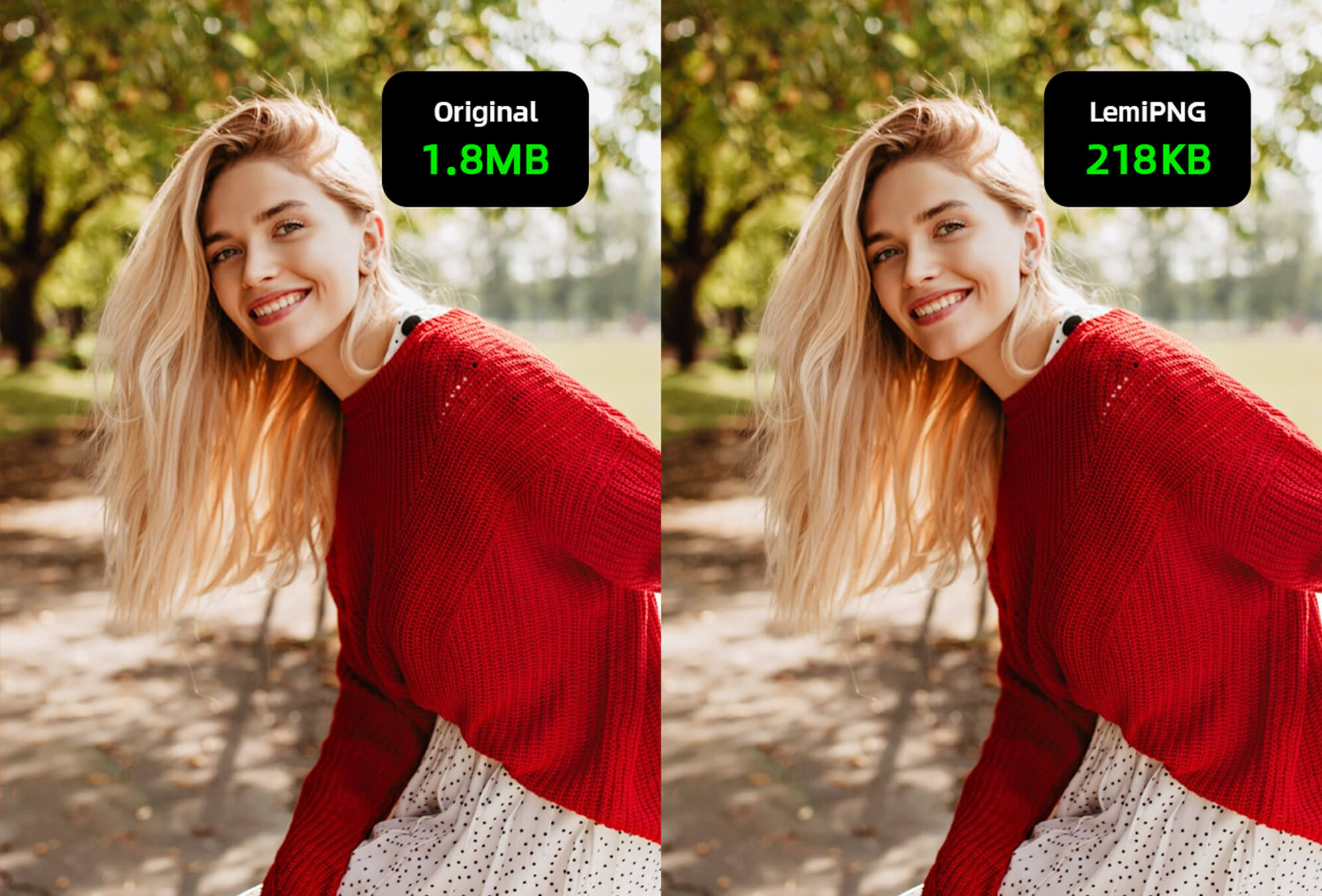
Lemi lossless compression supports multiple formats. Upload in seconds, say goodbye to complexity, save space, improve efficiency, adapt to multiple scenarios, and lossless compression is super simple!
heic
avif
jxl
AI Convert
Supports most image formats and hundreds of conversion methods. Drag and drop files to the corresponding page, such as PNG, JPEG, WebP, Aviv, PSD, HEIC, PDF, BMP, JXL.
AI Enhancer
Enhance and enlarge images online with our AI Enhancer image enhancer. Improve clarity, color, and resolution with a single click. Works well for portraits, objects, landscapes, pets, and text.


AI Color
AI automatically restores creases, scratches, and fading in old photos, colorizes them from black and white, and enlarges them in high definition without losing details.





AI Enlarge
AI Enlarge's AI image expander allows you to seamlessly enlarge your images and crop image areas. Through advanced AI technology, it scales your visuals without loss of quality, preserving every fine detail.
API Accelerate Workflows
Integrate our API into your system with a few lines of code.
Reliable, efficient, and scalable.
Optimized for different uses and scenarios.
99% online rate guaranteed.
100% GDPR compliant file storage.



Frequently Asked Questions
Can I use the API for commercial purposes?
What are the limitations of using the API?
What is the AITools API?
Who is the AITools API suitable for?
How do I get started using the AITools API?
How can I integrate the API into my project?
Ready to begin?
Explore our API documentation and join the API community for quick support from our engineers.
Get started API Docs